
Turn coffee cart rushes into calmer, faster service.
My Coffee Cart gives coffee cart operators QR ordering, a live queue, and ready texts so your team can handle rushes with less chaos and more focus.
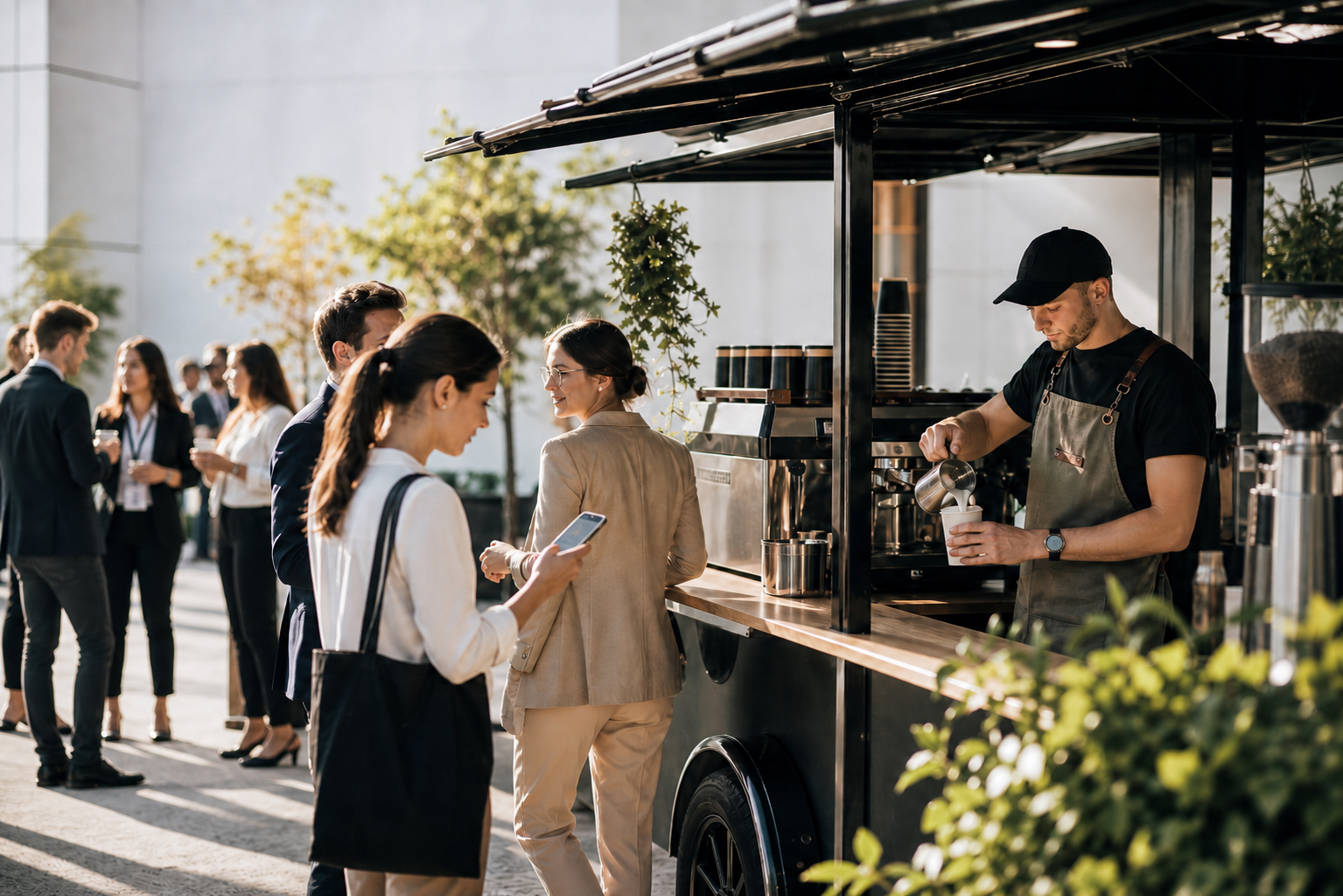
In the moment
You keep the energy around the cart, without the usual pileup at the counter.
Rushes stay more manageable
Move ordering off the counter so busy service feels less compressed.
Baristas stay focused on drinks
Spend less energy juggling line management and repeated status questions.
Pickup feels clearer and calmer
Ready texts help guests return at the right moment instead of hovering.
Designed for the way coffee carts actually operate
When the cart gets crowded
The line is doing too many jobs at once.
Guests are still reading the menu while other people are waiting to order.
Pickup, status questions, and new orders all compete for the same few feet of counter space.
Names, modifiers, and multiple drinks get harder to track once the rush starts.
With My Coffee Cart
Ordering, waiting, and pickup stop piling onto the counter.
A reusable QR code sends guests to the right live menu.
The queue updates in real time as orders come in.
Guests can wait away from the counter and get a text when their drink is ready.
What you get
A workflow that helps the cart stay calm under pressure.
The goal is not to replace the barista. It is to remove the friction that builds up around ordering, queue visibility, and pickup during busy service.
Built for coffee cart rushes
This is not generic online ordering. It is designed for temporary event service, short ordering windows, and small teams working in a tight physical footprint.
Reusable QR ordering
Use one cart QR code that routes guests to the active event, pop-up, or office service instead of reprinting a new code every time.
Live queue and status updates
Operators can move orders through the queue while guests see progress instead of hovering near pickup or asking where they are in line.
Ready texts and clearer handoff
Send a ready text when drinks are done so the handoff feels organized even when the event gets busy.
Priority links, labels, and repeatable service
Support VIP moments, connect optional drink labels, and reuse the same workflow for both one-off events and recurring office service.
Post-event analysis
Review order volume, products, customizations, sources, and priority usage so each event is easier to plan than the last one.
How it works
Built to work during the rush.
Guests order on their phones, your team works one clear queue, and pickup stays organized.
Go live for service
Start an event or recurring service window and share your cart QR code.
Guests order from their phones
Orders arrive with names and modifiers while your team stays focused on making drinks.
Mark drinks ready for pickup
Update the queue and send a ready text so guests know when to come back to the cart.
Common service setups
Use it where service gets busiest.
Weddings and private events
Handle rushes without turning the cart into the bottleneck. Priority links help with hosts, planners, or VIP moments.
Corporate events and conferences
Serve big arrival waves without every guest standing in a physical line to ask what is on the menu.
Recurring office service
Reuse menus, links, and schedules for the weekly service windows that keep repeating the same ordering pressure.
Planning for a busy event?
Read the guide on reducing long lines at coffee carts to see when mobile ordering helps most and how to keep the service flow practical.
Read the long-line guidePricing
Start with events. Upgrade when the cart runs often.
Buy event credits for occasional weddings, pop-ups, and corporate catering. Move to a subscription when recurring service or high event volume makes unlimited access the better fit.
All plans include
For occasional events
Single Event
$100
total
1 event credit included
Best for one-off pop-ups
Simple pay-as-you-go access
Save $100
Most popular credit pack
Five Events
$400
total
5 event credits included
Brings event cost down to $80 each
Good for repeat catering work
$100$80 per event
Ask about 5-event packsBest for frequent operators
For frequent operators
Cart Subscription
$499
per month
Unlimited access for 1 cart
Unlimited use for one cart
Annual billing saves 10%
+$199 / month for each additional cart
Save 10% with annual billing
Contact us about subscriptionsSMS notifications are included up to a monthly limit. Additional usage is billed separately.
FAQs
Questions operators usually have first.
Will QR ordering make service feel less personal?
It moves the most transactional part of the line off the counter so your team has more room for hospitality, questions, and careful handoff.
What if some guests still want to walk up?
You can run a hybrid flow. QR ordering can be the default while you still help guests who need support at the cart.
Do I need this for every event?
No. A normal line can still work for small, steady service. This is most useful when rushes make ordering, waiting, and pickup collide.
Start a free trial
See if it fits your cart before you commit.
Tell us how your cart runs today, what kinds of events you serve, and where the rush gets messy. We'll help you test the workflow with your own menu and service setup.